
Welcome to our Squarespace 7.1 add-on store
Here you’ll find our most missed add-ons from the newest release of Squarespace 7.1. What would you like to see featured next? We’d love to hear from you!

Add auto-apply color to specific text throughout your site.
✓ Install in five minutes or less
✓ Pay once, use forever
✓ Simple step-by-step directions
✓ Compatible with Squarespace 7.1 and Squarespace 7.0
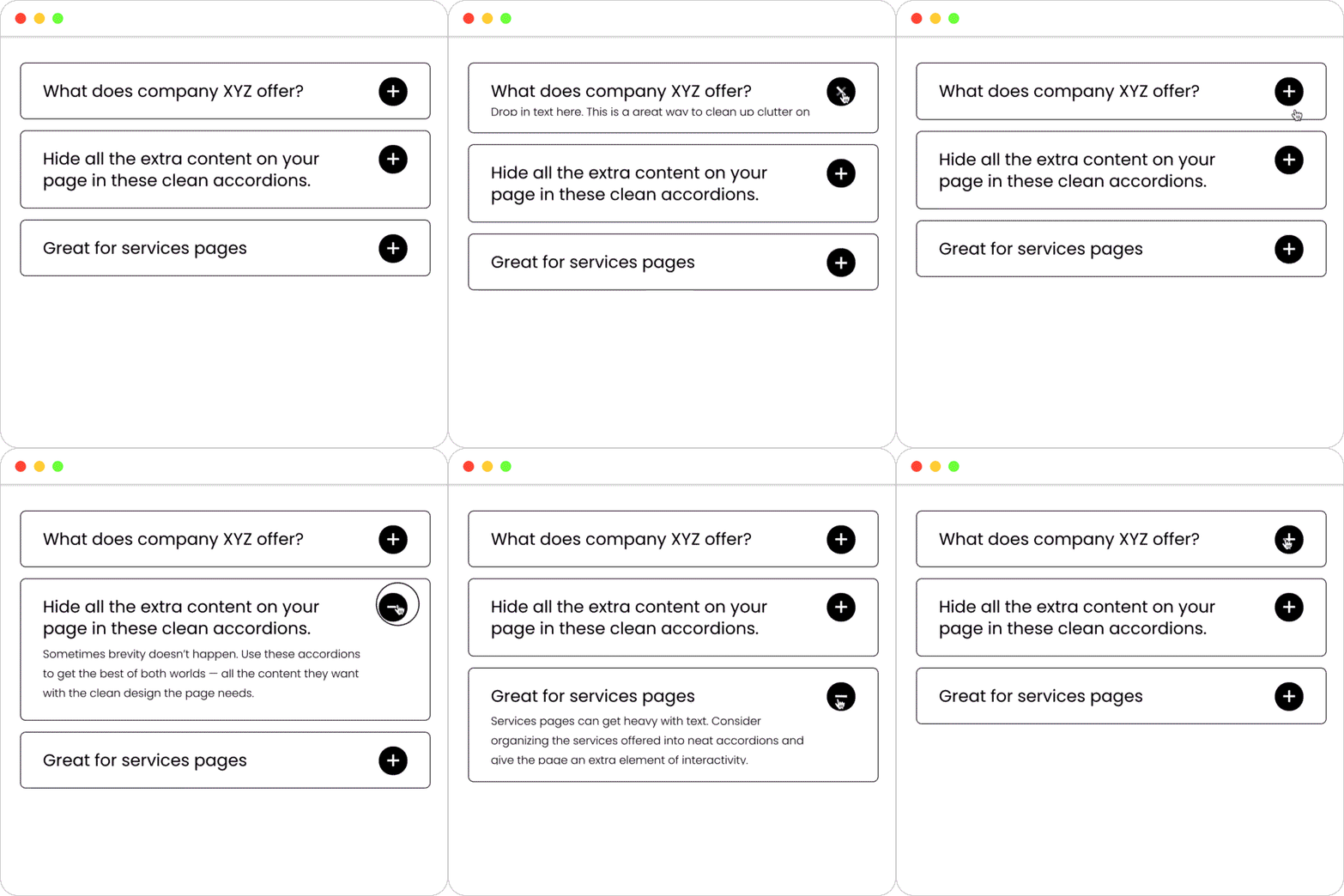
Consolidate text-heavy sections on your site into clean accordions.
✓ Install in five minutes or less
✓ Pay once, use forever
✓ Simple step-by-step directions
✓ Compatible with Squarespace 7.0 + 7.1

Add anchor links to the navigation, footer, or buttons on your site.
For LIVE DEMO, navigate to our home page, and then click on the “Freebie” link to see an anchor link in action.
✓ Install in five minutes or less
✓ Pay once, use forever
✓ Simple step-by-step directions
✓ Compatible with the most updated version of Squarespace 7.1
✓ Works on all regular page types, not for use in blog type pages
✓ Please Note: Custom code modifications to your Squarespace will require a business plan or higher. IE11 does not support all modern code languages, customizations may display differently in IE11 and other versions of the browser.

Rotate images or graphic elements in a slideshow on any page of your site.
✓ Install in five minutes or less
✓ Pay once, use forever
✓ Simple step-by-step directions
✓ Compatible with the most updated version of Squarespace (7.1)
✓ Please Note: Custom code modifications to your Squarespace will require a business plan or higher. IE11 does not support all modern code languages, customizations may display differently in IE11 and other versions of the browser.
*Is not compatible with Fluid Editor

Make an impactful page header or banner with rotating images, text, buttons, or other content blocks.
✓ Install in five minutes or less
✓ Pay once, use forever
✓ Simple step-by-step directions
✓ Compatible with the most updated version of Squarespace (7.1)
✓ This add-on was built to emulate the previous version of SS’s slideshow functionality, the text cannot swap out with the images.
✓ Please Note: Custom code modifications to your Squarespace will require a business plan or higher. IE11 does not support all modern code languages, customizations may display differently in IE11 and other versions of the browser.
*Is not compatible with Fluid Editor
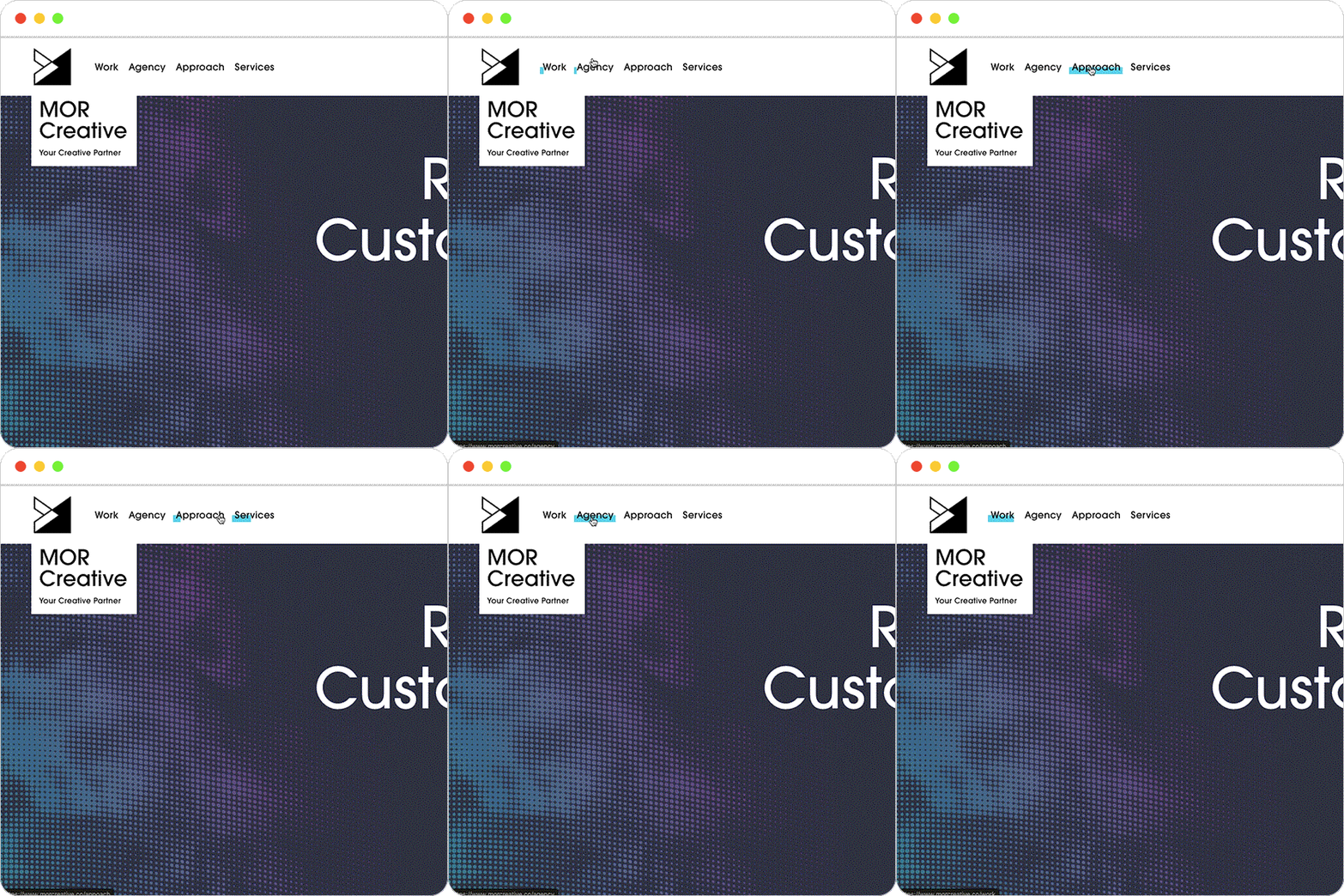
Add a modern highlight scroll-over effect to the top navigation links on your site.
✓ Install in five minutes or less
✓ Pay once, use forever
✓ Simple step-by-step directions
✓ Compatible with the most updated version of Squarespace (7.1)
✓ Applies on desktop version of website
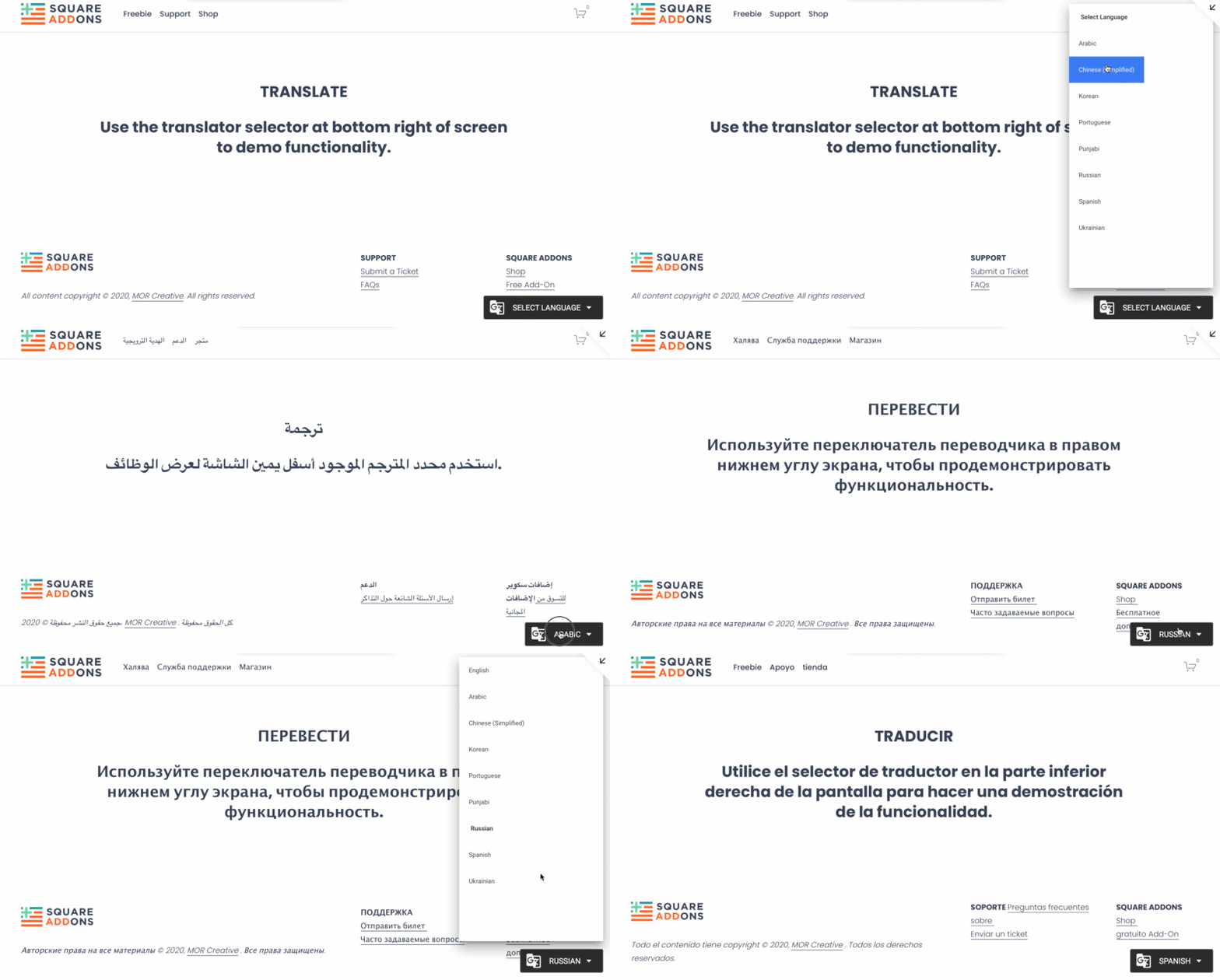
Add a modern translator into the bottom right of your site. Powered by Google.
✓ Install in five minutes or less
✓ Pay once, use forever
✓ Simple step-by-step directions
✓ Compatible with the most updated version of Squarespace (7.1) AND Squarespace 7.0
✓ Applies on desktop and mobile version of website

Add a hover animation effect on your site buttons.
✓ Install in five minutes or less
✓ Pay once, use forever
✓ Simple step-by-step directions
✓ Compatible with Squarespace 7.0 + 7.1

What’s Included—
1.StoryBranded Squarespace Pages for Desktop + Mobile:
Home Page
About Page
Resources (or Blog) Page
Service/Product Page
Get Started Page with Inquiry Form
Lead Generating PDF Download Page
2. Video-Based User Manual
No coding, and no design skills needed. We’ll teach you everything you need to implement StoryBrand effectively onto your new website. We’ll also show you how to adapt the Storysquare template, colors, look + feel to match your brand using our Video-Based user manual.
3. Wireframe document
We’ve included all our internal notes and guide prompts for laying out content effectively. Plus get access to our library of client examples incase you get stuck.
4. Web design spec sheet
If you are new to “in-house” web design, this document will help you talk the talk with our template overview page outlining each of the key web design + development features included.
We will send access to your Storysquare template to your email address provided at checkout within 24-hours of your purchase.

✓ Install in five minutes or less
✓ Pay once, use forever
✓ Simple step-by-step directions
✓ Compatible with the most updated version of Squarespace 7.1, and Squarespace 7.0

Add a stylized underline effect and draw attention to heading text.
✓ Install in five minutes or less
✓ Pay once, use forever
✓ Simple step-by-step directions
✓ Compatible with the most updated version of Squarespace 7.1, and Squarespace 7.0

Give users instant access to a file upon leaving an email address.
For LIVE DEMO, click on the “Freebie” link on our website and fill out the form.
✓ Install in five minutes or less
✓ Pay once, use forever
✓ Simple step-by-step directions
✓ Compatible with the most updated version of Squarespace 7.1, and Squarespace 7.0
Send us a note with your customization or installation request and we’ll let you know what “Build Size” to select at checkout. Thank you!

The SEO Add-on includes all the baseline technical SEO your site needs to perform well in Google and other search engines. This Add-on is a done-for-you service that will be completed within 5 business days of your purchase.
This add-on will ensure all of your foundational visibility elements are optimized including: site description, business location, browser icon, sharing images, global and page-by-page SEO descriptions, site titling, page and title formats, 404 page, blogging URL formats, URL slugs, and SSL.
Please see details at bottom of page, below.
Please allow 3 - 5 business days for production. Delivered as a fully scalable, .svg file you can apply directly on your web or print materials.
Questions? Contact us.